
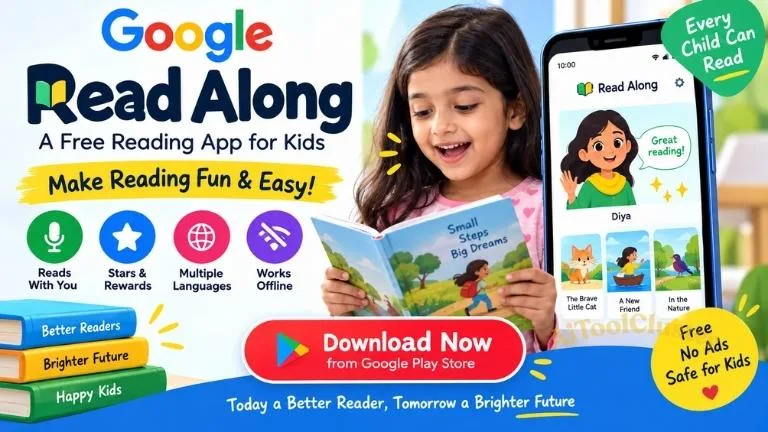
Read Along by Google is a free reading app designed to help children improve their reading skills through interactive stories, reading practice and voice-based assistance. For parents looking for a simple reading app for kids, Read Along can be a useful learning tool.
The application encourages children to read aloud while its reading buddy listens and provides assistance when they face difficulty. It also uses stars and badges to make reading practice more engaging.
- Janmashtami AI Photo Editing Prompts 2026: Krishna AI Photo…
- Download Google Gemini Android App 2026: Official App, Features,…
- NISHTHA Training 2026: DIKSHA Course Links, Login, Eligibility &…
- Excel to App 2026: Free Download, Android App &…
- Project Inclusion Apps 2026: Download, Login, Course & Certificate
What is Read Along by Google?
Read Along by Google is an Android application developed by Google to help children practice reading. Instead of simply reading text on a screen, children can read stories aloud while the app listens and provides feedback.
The app is designed to make reading practice more interactive and enjoyable. Children can choose stories and activities according to their reading ability and continue practicing at their own pace.
Why is Read Along App Useful for Kids?
Regular reading practice is important for developing confidence and fluency. Read Along provides an additional way for children to practice reading at home.
- Helps children practice reading aloud
- Provides interactive reading assistance
- Offers stories and reading activities
- Uses stars and badges as learning rewards
- Supports multiple languages
- Can work offline after content is downloaded
- Available free of charge
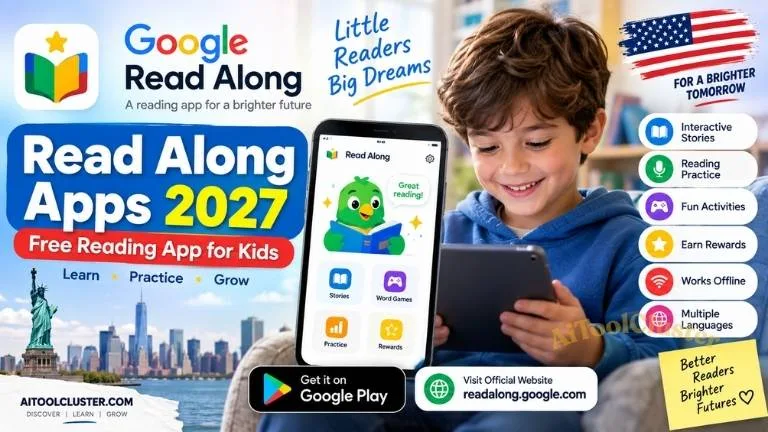
Read Along by Google App Features
1. Reading Assistant
The in-app reading buddy listens while children read aloud. When a child has difficulty with a word, the application can provide assistance and encourage the child to continue reading.
2. Interactive Stories
Read Along includes stories and reading activities that help children practice words and sentences in an engaging way.
3. Stars and Badges
Children can receive stars and badges as they make progress. These rewards add a simple game-like experience to reading practice.
4. Multiple Language Support
The application supports multiple languages, making it useful for children who are learning to read in different languages.
5. Offline Reading Practice
After the required content has been downloaded, Read Along can be used without a continuous internet connection. This can be useful when internet access is limited.
6. Free Reading App
Read Along is available as a free application. The current Google Play listing also states that the app does not contain ads or in-app purchases.
Read Along App Download
If you are looking for a free reading app for kids, you can download Read Along by Google from the official Google Play Store.
| Important Link |
| Download Read Along Application:- Click Here |
How Does Read Along by Google Work?
Using the application is simple. After installing Read Along, children can choose a language and select a suitable story or reading activity.
- Install Read Along from Google Play Store.
- Open the application and select the preferred language.
- Choose a story or reading activity.
- Read the displayed text aloud.
- The reading buddy listens and provides assistance.
- Continue practicing and earn stars or badges.
Who Can Use Read Along?
Parents
Parents can use Read Along as an additional reading-practice resource for children at home.
Young Students
Children who are developing basic reading skills can use the application to practice reading aloud and become more comfortable with words and sentences.
Teachers
Teachers can consider Read Along as a supplementary digital resource for reading practice along with regular classroom activities.
Multilingual Learners
Children learning to read in more than one language may also find the application's multilingual support useful.
Is Read Along by Google Free?
Yes. Read Along is available as a free application on Google Play. The current listing states that the application does not contain ads or in-app purchases.
Does Read Along Work Without Internet?
Yes. After the required stories or content have been downloaded, the application can provide reading practice offline. Users should first download the required content while an internet connection is available.
Is Read Along Safe for Children?
Read Along is designed as a children's reading-learning application. Google Play provides information about the app's data practices and privacy features.
Parents should always review application permissions and supervise children's overall device usage according to their family's needs.
Tips to Help Children Improve Reading
- Encourage children to practice reading regularly.
- Let children choose stories that interest them.
- Encourage reading aloud instead of only reading silently.
- Appreciate their effort and progress.
- Use digital reading apps together with physical books.
- Keep reading practice enjoyable rather than stressful.
Read Along by Google vs Traditional Books
Traditional books remain an important part of reading development. They provide children with a simple environment for reading and help them develop regular reading habits.
Read Along adds an interactive digital experience with voice-based assistance and rewards. Using both physical books and digital reading tools can give children different ways to practice.
Frequently Asked Questions
What is Read Along by Google?
Read Along by Google is a free Android reading application that helps children practice reading aloud with the help of an in-app reading buddy.
Is Read Along by Google free?
Yes. The application is available free on Google Play, and the current listing states that it has no ads or in-app purchases.
Where can I download Read Along?
You can download Read Along from the official Google Play Store using the download link provided in this article.
Does Read Along work offline?
Yes. After the required content is downloaded, Read Along can be used offline.
Does Read Along support different languages?
Yes. Read Along supports multiple languages, making it useful for children learning to read in different languages.
Can children practice reading aloud with this app?
Yes. Reading aloud is one of the main features of Read Along. The reading buddy listens while children read and can provide assistance when needed.
Read Along by Google is a useful option for parents and teachers looking for a free reading app for children. Its interactive stories, reading assistance, rewards, multilingual support and offline functionality make reading practice more engaging.
If your child needs additional reading practice, you can try the application and use it alongside school learning, physical books and regular reading activities.
Download Read Along by Google from the official Google Play Store and start reading practice today.



COMMENTS (0)
Be the first to comment!
Leave a Comment